

To optimize Google My Business effectively, follow these essential steps:
- Claim Your Listing: Search and verify your business.
- Complete Your Profile: Add hours, contact info, and a brief description.
- Use Quality Visuals: Upload clear, high-resolution images and engaging videos.
- Optimize Description: Incorporate relevant keywords and highlight unique services.
- Manage Reviews: Respond promptly and encourage more feedback.
- Utilize Google Posts: Share updates and promotions regularly.
Adopting these strategies can greatly improve your online visibility and customer interaction. More insights await on how to enhance your engagement.
Main Points
- Claim and verify your business listing on Google My Business to establish a strong online presence.
- Complete your business profile with accurate contact information, business hours, and a detailed description of services.
- Use high-quality images and engaging videos that reflect your brand and attract potential customers.
- Optimize your business description with relevant keywords and clearly define your core services and categories.
- Actively manage customer reviews by responding promptly and encouraging satisfied clients to leave feedback, while posting regular updates.
Claim and Verify Your Business Listing
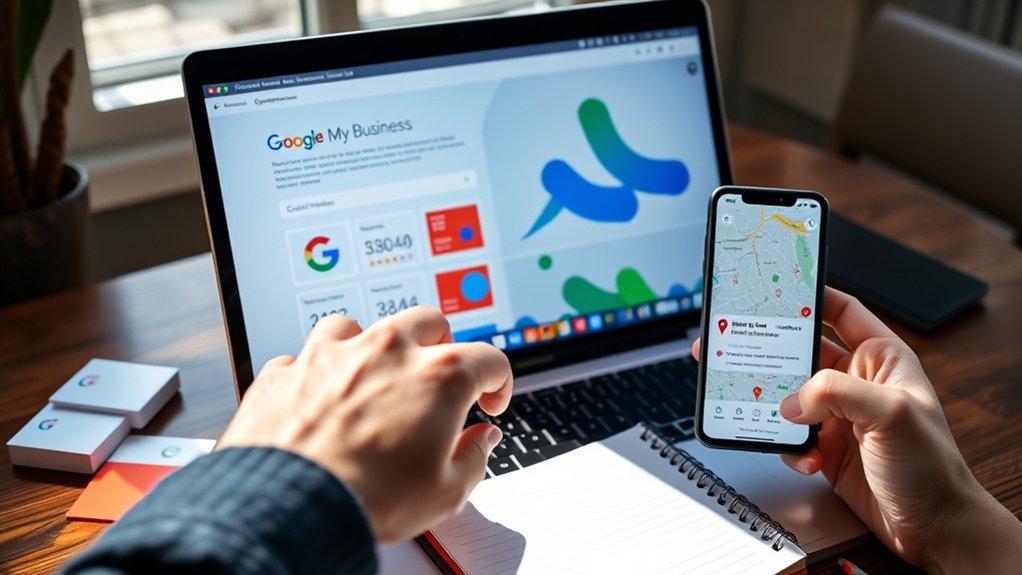
To effectively establish an online presence, businesses must first claim and verify their Google My Business listing****. This step is essential due to the business listing importance in attracting customers and improving local search visibility.
The verification process typically involves:
- Claiming Your Listing: Search for your business on Google. Follow the prompts to claim it.
- Verification Options: Choose a verification method—mail, phone, email, or instant verification (if eligible).
- Completing Verification: If by mail, wait for a postcard with a verification code. Enter this code in your listing.
Once verified, businesses gain control over their information. This enhances credibility, helping potential customers find accurate details and ultimately driving traffic to their location.
Complete Your Business Profile
| Information Type | Description |
|---|---|
| Business Hours | Specify days and times open |
| Service Areas | Outline geographical coverage |
| Contact Information | Provide phone number and email |
| Business Description | Briefly explain services offered |
| Attributes | Highlight special features |
Completing these sections guarantees customers have the necessary information to engage with the business. By providing clear and concise details, businesses can improve their chances of appearing in local searches and ultimately drive more foot traffic.
Use High-Quality Images and Videos

Using high-quality images and videos can greatly enhance a business's visibility on Google My Business.
Consider the following for effective image selection and video quality****:
- Image Selection: Choose clear, well-lit photos that showcase your products or services. Pictures should reflect your brand's identity. For example, a restaurant might feature appetizing dishes, while a retail store should highlight bestsellers.
- Video Quality: Ascertain videos are high resolution and engaging. Short clips demonstrating services or customer testimonials can attract attention.
- Regular Updates: Regularly update your visuals to keep content fresh. This shows potential customers that your business is active and vibrant.
Optimize Your Business Description and Categories
Optimizing a business description and selecting the right categories are vital steps in enhancing visibility on Google My Business.
A well-crafted description should clearly convey what the business offers, while relevant categories help potential customers find the service they need.
Together, these elements not only attract attention but also improve search rankings, making it essential to approach this task thoughtfully.
Crafting Compelling Descriptions
- Keyword Integration: Use relevant keywords that potential customers might search for. For example, if you run a bakery, include terms like "fresh pastries" and "custom cakes."
- Highlight Benefits: Explain what sets your business apart. Focus on customer experiences and quality service.
- Call to Action: Encourage customers to visit, call, or explore your offerings.
Choosing Relevant Categories
Here are key steps to choose relevant categories:
- Identify Core Services: List your main offerings.
- Research Competitors: Check what categories similar businesses use.
- Utilize Google's Suggestions: Start typing in the category field for ideas.
- Stay Updated: Regularly review and adjust categories based on changing industry trends.
Selecting the most appropriate categories maximizes your chances of connecting with your target audience, ensuring they find you when searching for relevant services.
Manage and Respond to Customer Reviews
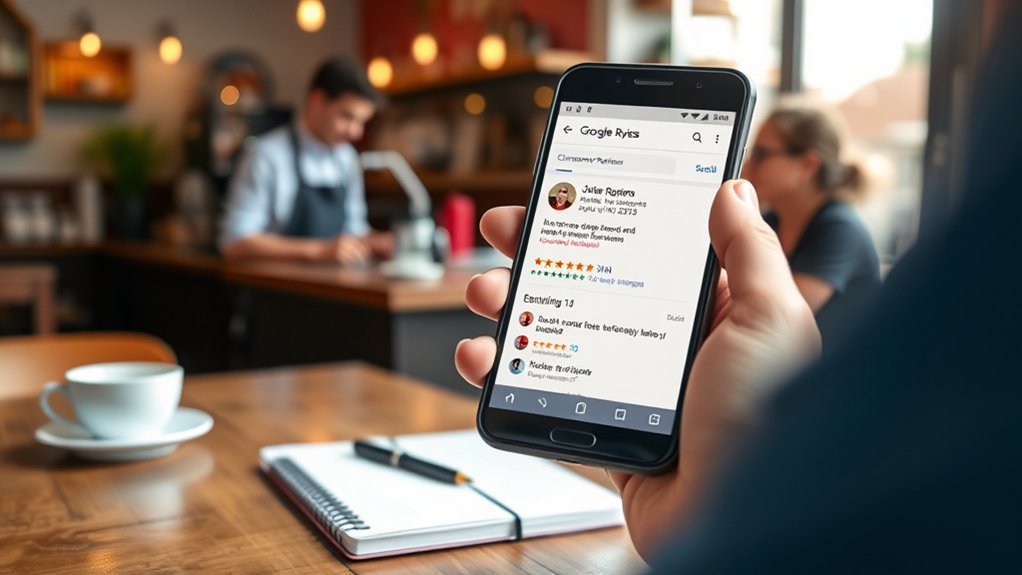
1. Regularly Check Reviews: Set aside time daily or weekly to read new reviews.
2. Acknowledge Positive Feedback: Thank customers for their kind words, creating a personal touch.
3. Address Negative Reviews: Respond promptly and professionally, offering solutions or apologies where necessary.
This shows commitment to customer satisfaction.
4. Encourage More Reviews: Invite satisfied clients to share their experiences, boosting the volume of feedback.
Utilize Google Posts and Updates
Utilizing Google Posts and Updates can greatly enhance a business's online presence. These features allow businesses to communicate directly with customers, showcasing promotions and updates.
Google Post Strategies:
- Be Consistent: Regularly post updates to keep your audience engaged.
- Use Visuals: Include photos or videos to enhance post attractiveness.
- Call to Action: Encourage actions, like visiting your website or booking a service.
Update Frequency: Aim for at least one post per week. This frequency maintains visibility in search results and keeps customers informed.
Conclusion
To summarize, optimizing your Google My Business listing is essential for visibility and customer engagement. By following these steps, you can enhance your online presence:
- Claim and verify your listing.
- Complete your profile with accurate information.
- Use high-quality images to attract attention.
- Optimize descriptions and categories for better search results.
- Engage with reviews to build trust.
- Utilize Google Posts for updates and promotions.
Implement these strategies to connect effectively with your audience.