Read this first
Executive summary
3 operating principles- 01
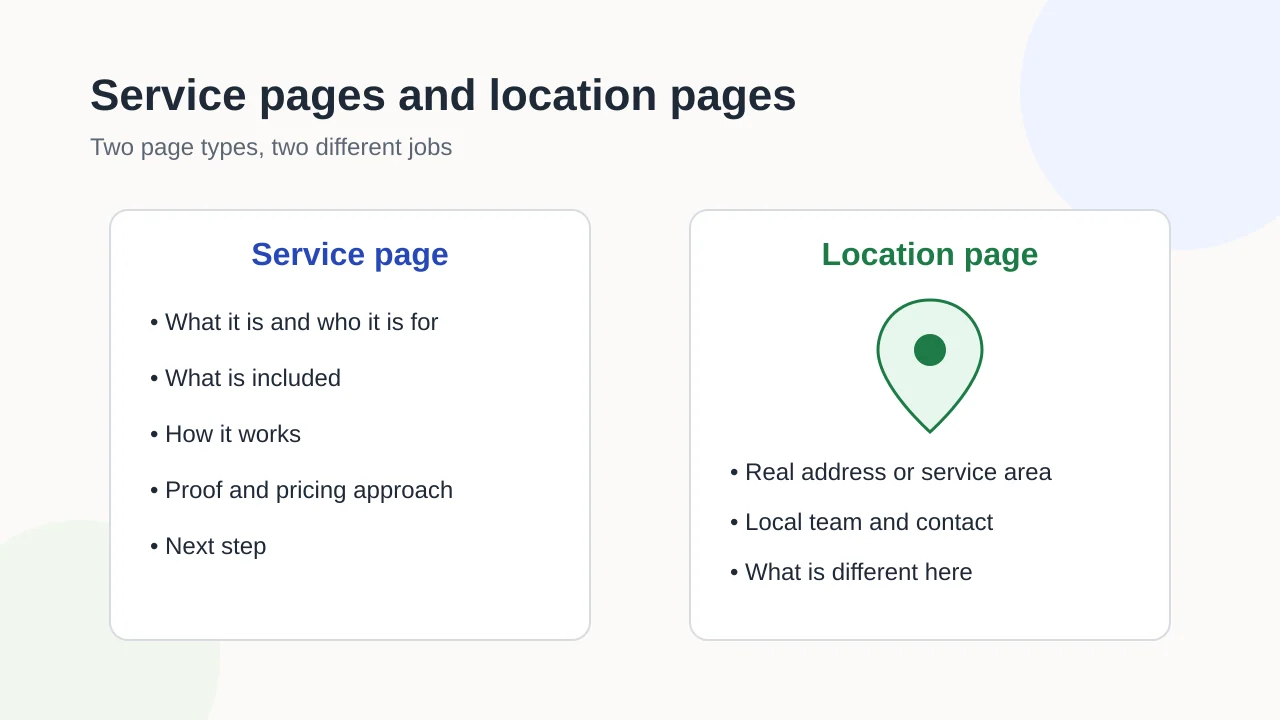
A service page explains one offer; a location page proves real presence or service in one place.
- 02
Your business model decides which page types make sense: storefront, service-area, hybrid or online-only.
- 03
Build a page only if a customer would notice its absence; place-name swaps are a risk, not a strategy.
Article tools
Read, review or take this article into your preferred AI assistant.Summarize with AI
Copies a prompt with this article’s canonical URL. Review the result and verify its sources.Clipboard unavailable · copy prompt manually
Businesses that offer several services in several places face the same question when they plan a website: one page per service, one page per town, or one for every combination? The answer depends on what each page has to say, not on how many search phrases you can think of.
This guide separates the page types, shows which ones fit which kind of business and gives a simple test for deciding whether a page deserves to exist. It fits into the wider process of planning your page inventory.
Two page types, two jobs
A service page answers: “Do you offer this, and is it right for me?” It explains one distinct service in enough depth that a customer can decide whether to get in touch.
A location page answers: “Do you really work here, and what is it like here?” It proves that the business has a genuine presence or delivers its service in a specific place, and gives the details that differ there.
Mixing these jobs is where most problems start. A location page that repeats the service descriptions with a new town name answers neither question well.
What a service page must answer
A useful service page covers the questions a customer asks before contacting you:
- What it is, in the words customers use, not internal jargon.
- Who it is for, and who it is not for.
- What is included, and what usually costs extra.
- How it works, from first contact to completion.
- Proof: examples, credentials or reviews you have permission to show.
- How pricing works: a starting price, the factors that change it, or an honest note that every job is quoted.
- Questions specific to this service, answered in plain text.
- The next step: a form, a phone number or a booking link.
One page per distinct service. If two services share the same process, audience and pricing logic, they are probably one service with two names.
What a location page must prove, and when a service-area page fits better
A location page belongs to a real place customers can visit or contact: an office, a shop, a clinic or a branch. It should include:
- the address, opening hours and directions;
- the local team or contact person;
- what is specific to this location, such as services only offered here, parking or accessibility details;
- local proof: projects nearby or reviews from customers of this branch, where you have permission to use them.
A service-area page fits businesses that travel to their customers and have no premises in that area, such as plumbers, cleaners or mobile therapists. It describes the area you genuinely cover and what differs there: travel times, call-out conditions, local regulations or the kind of work you most often do in that area.
The distinction matters off the website too. Google’s Business Profile guidelines say that service-area businesses, which serve customers at the customers’ locations, should have one profile for the central office or location with a designated service area. Your website should tell the same story as your profile.
Which pages your business model needs
| Business model | Service pages | Location pages | Service-area pages | Combined service-in-location pages |
|---|---|---|---|---|
| Storefront (customers visit you) | Yes, one per distinct service | One per real location | Rarely | Only where a location offers something genuinely different |
| Service-area (you visit customers) | Yes | One for your base, if customers can visit or contact it there | One per area you genuinely serve, if each has distinct information | Rarely justified |
| Hybrid (both) | Yes | One per real location | For areas served from those locations, if distinct | Case by case |
| Online-only | Yes | No | No | No |
Service-in-location pages: when they help and when they hurt
A combined page, such as “Bathroom renovation in a named town”, is justified when you can write content that is genuinely about that service in that place: local projects, local conditions, a local team or a different offer.
It becomes a problem when the only difference between pages is the place name. Google’s spam policies describe doorway abuse as sites or pages created to rank for specific, similar search queries that lead users to intermediate pages that are not as useful as the final destination. A set of near-identical pages that swap town names fits that description.
The “would a customer notice?” test
Before building any service, location or combined page, ask: if this page did not exist, would a customer miss information they cannot find elsewhere on the site?
- Yes: the page has its own job. Build it.
- No: merge it into the page that already does the job, or leave it out.
Apply the same test to existing pages during a redesign. It is often the fastest way to shrink a bloated site.
Keep location facts consistent off the site
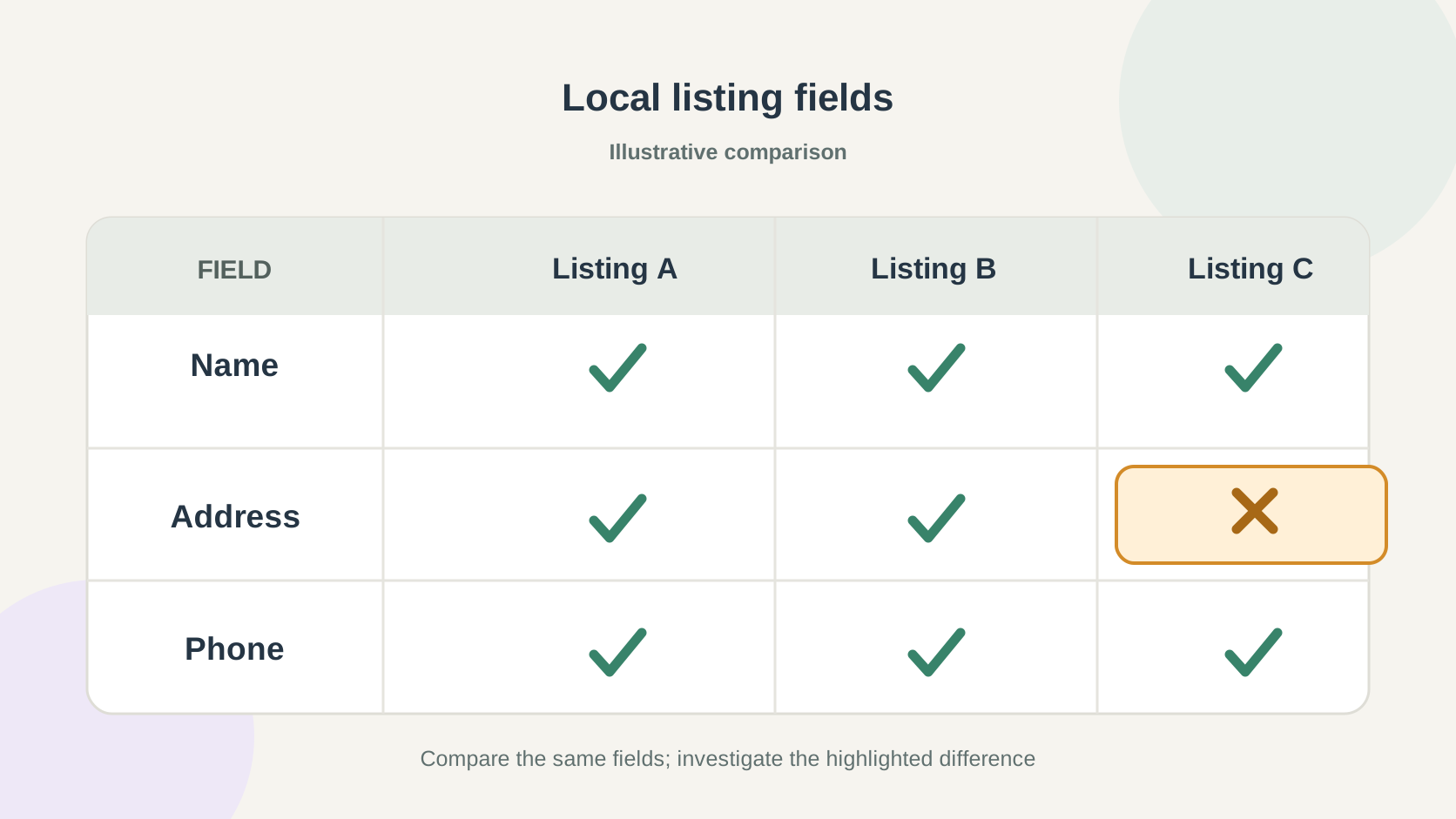
Names, addresses, phone numbers and opening hours appear in many places: your website, your Business Profile, maps apps and directories. When they disagree, customers lose trust and search engines have to decide which version is right.
Keep one master list of these facts and update every copy from it. The Business Profile readiness checklist covers the profile side, and you can audit your listings to find copies that have drifted. Business Profile features and the directories that matter vary by country, so check which listing services are relevant in your market.
Structured data in one paragraph
Structured data can describe the same facts in a machine-readable format: the Schema.org LocalBusiness type, or a more specific subtype, for a real location, and the areaServed property for the area a business serves. It should match what the visible page says; it does not replace visible content. The structured data guide explains how to approach it.
A quick audit for existing pages
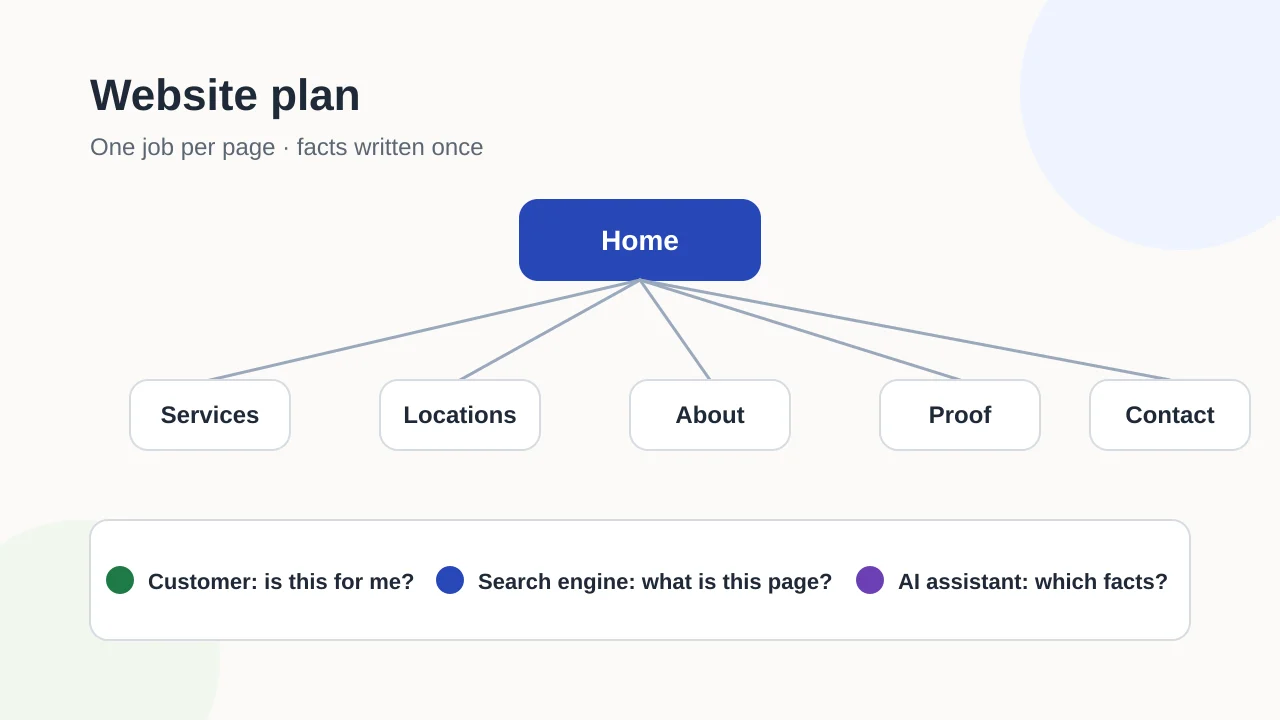
If you already have a site, list every service and location page and answer four questions for each:
- Does it have one clear job, as a service or as a place?
- Would a customer notice if it disappeared?
- Are the location facts identical to your master list?
- Is it linked from a relevant section rather than only from the footer?
Pages that fail the first two are candidates for merging. Pages that fail the last one may be hard to find: the internal linking guide covers how to connect them. If the audit leads to merged or renamed pages, check redirects before launch.
If you are planning a new site around these page types, Exendia’s website design and development page explains how to request a proposal. Businesses serving several towns or regions can also look at local SEO support.
Evidence layer
References and further reading
Primary documentation used to review the technical concepts in this guide.- Google Search CentralSpam policies for Google web search
- Google Business Profile HelpGuidelines for representing your business on Google
- Schema.orgLocalBusiness
- Schema.orgareaServed