Read this first
Executive summary
3 operating principles- 01
Decide the website's one primary job before anyone designs a page.
- 02
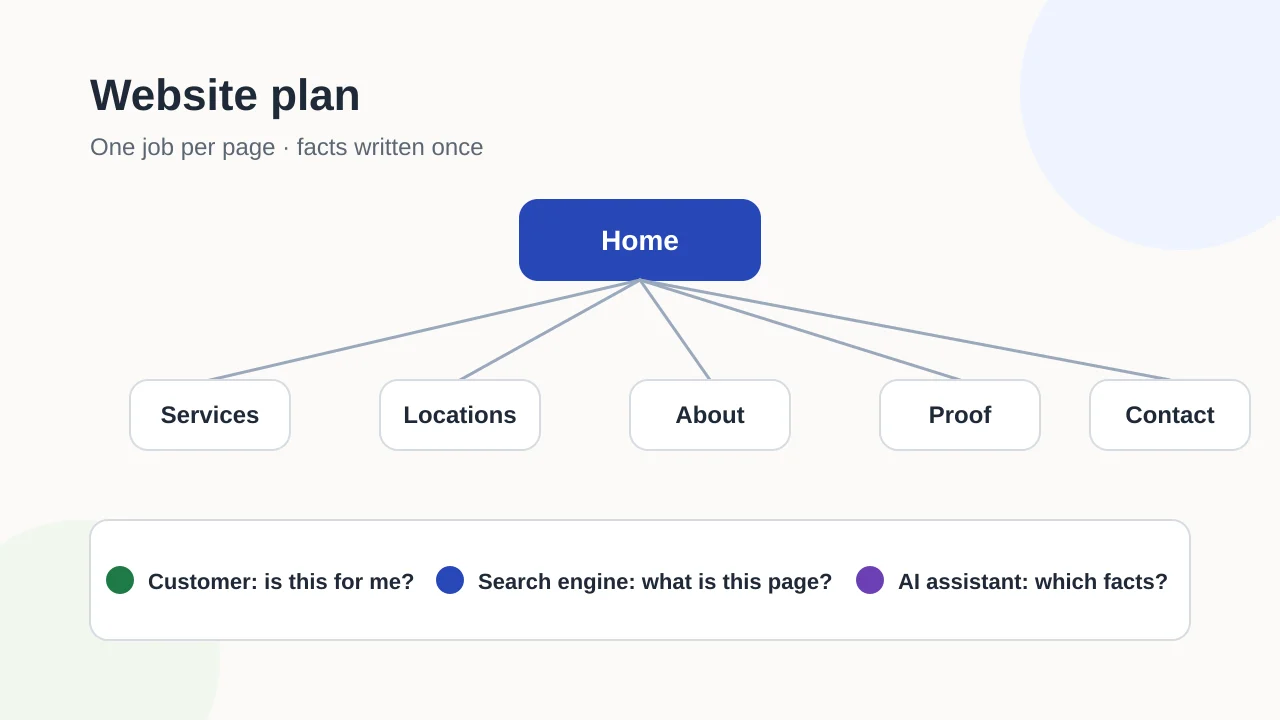
List every page with a single purpose, the question it answers and the next step it leads to.
- 03
Write your business facts once and reuse them everywhere, then hand the plan to a builder as a brief.
Article tools
Read, review or take this article into your preferred AI assistant.Summarize with AI
Copies a prompt with this article’s canonical URL. Review the result and verify its sources.Clipboard unavailable · copy prompt manually
Most website projects start with how the site should look. The decisions that matter more come earlier: what the site is for, who it serves, which pages it needs and what each page asks a visitor to do next. Write those decisions down and you have a website plan. Skip them and the designer, the copywriter and the developer each fill the gaps with their own assumptions.
This guide walks through a plan you can write in an afternoon with a spreadsheet. It works whether you build the site yourself, use a platform or hire someone.
What a website plan is, and why it comes first
A website plan is a short working document with six parts:
- the site’s primary job;
- the people and places it serves;
- a page inventory where every page has one purpose;
- a single sheet of business facts;
- the next step each page leads to;
- the constraints: budget, deadline, integrations and who maintains content.
None of this needs design skills. It needs someone who knows the business. A plan also makes later decisions cheaper. Moving a page in a spreadsheet takes a minute; moving it after the navigation, copy and links are built takes much longer.
Decide the website’s primary job
Pick one primary job. Common choices are:
- Inquiries: calls, quote requests or contact forms.
- Bookings: appointments, tables or classes.
- Sales: products bought online.
- Recruitment: applications from candidates.
- Information: opening hours, policies or documentation for existing customers.
A site can do several of these, but one should win when they conflict. If the job is inquiries, the contact path appears on every service page. If the job is information, findability beats persuasion.
Write down how you will know the job is being done, using something you can actually observe: form submissions, booked appointments or calls from the website number. Avoid goals such as “rank first”, which depend on factors outside your control.
Define who the site serves
List your main customer groups in plain words, for example “homeowners renovating a bathroom” or “office managers booking group training”. For each group, note:
- what they need to know before contacting you;
- where they are, and whether you serve them at their location, at yours or online;
- which language or languages they use.
This list decides much of the page inventory. A business that serves three distinct customer groups often needs content for each. A business that works in one town and one language usually needs fewer pages than it thinks.
Build the page inventory: one job per page
Give every planned page one job: the single question it answers for a visitor. When a page tries to answer two unrelated questions, split it or cut one.
Use a table like this. Copy it into a spreadsheet and fill one row per page:
| Page | Role | Question it answers | Next step | Owner | Source material |
|---|---|---|---|---|---|
| Home | Entry | ”Am I in the right place?” | Go to the right service | Owner | Current site, brochure |
| Service: example | Explain | ”Do you offer this, and how does it work?” | Request a quote | Service lead | Price list, FAQs |
| Location: example | Prove | ”Do you really work in my area?” | Call or request a visit | Branch manager | Address, local projects |
| About | Prove | ”Can I trust these people?” | Read examples or get in touch | Owner | Team details, credentials |
| Examples or case studies | Prove | ”Have they done this before?” | Contact | Project lead | Approved project notes |
| Contact | Convert | ”How do I reach them?” | Send the form or call | Office | Business facts sheet |
| Privacy and legal pages | Legal | ”How is my data handled?” | Return to the site | Owner or adviser | Requirements in your jurisdiction |
The rows marked “example” are placeholders, not recommendations for any specific business.
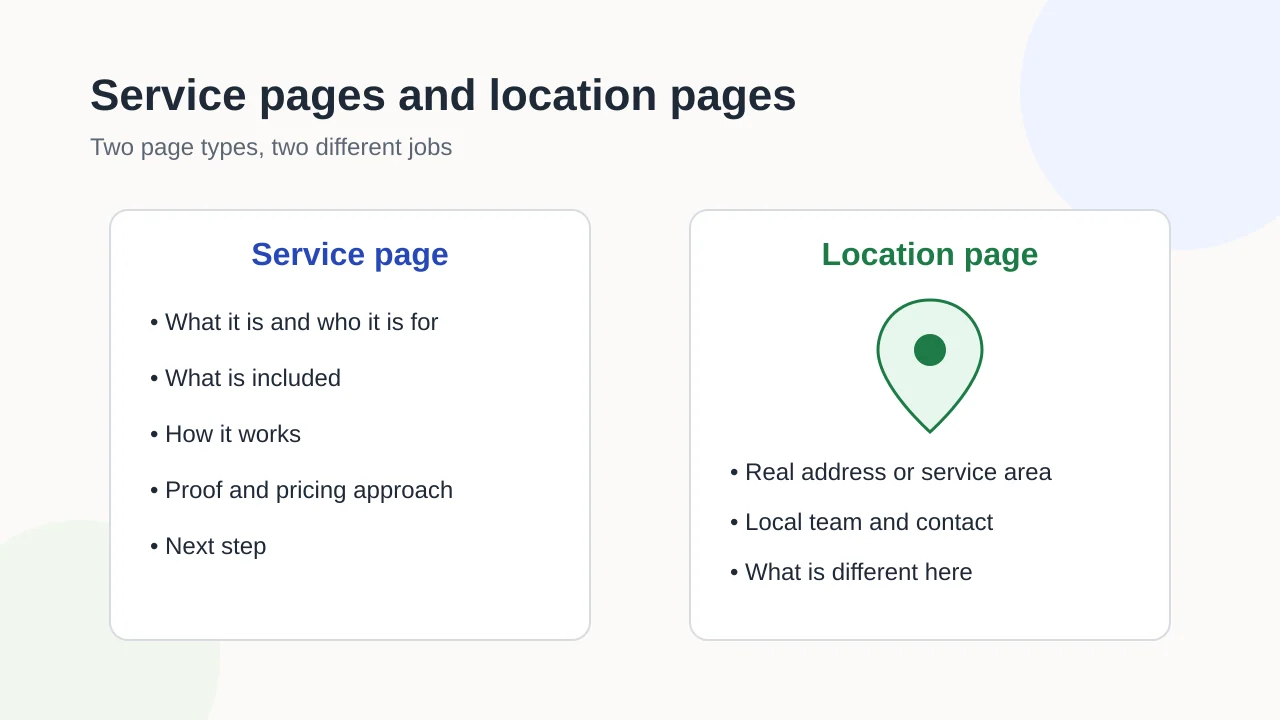
Page types such as service and location pages each have their own anatomy. The guide to service and location pages covers what each one must contain and when a combined page is justified.
Pages not to build
A plan is also a list of things you will not make:
- Location pages for places where you have no real presence or service. Google’s spam policies describe doorway pages created to rank for similar queries as abuse.
- Two service pages for the same service with slightly different names. Merge them.
- A blog with no owner. An empty or abandoned news section suggests the business is inactive. Add it later, when someone will write for it.
- ”Coming soon” pages. Leave them out of navigation until they have content.
Write your business facts once
Collect the facts that describe your business in one place, then reuse them word for word on the website, in your Business Profile and in directory listings:
| Fact | Your value |
|---|---|
| Legal name and trading name | |
| Address, or the area you serve if customers do not visit you | |
| Main phone number and email | |
| Opening hours, including holiday exceptions | |
| Services, named the way customers search for them | |
| Founding year, licenses or memberships you can prove | |
| Social and profile URLs you control |
When the same fact appears in different versions across the web, people and machines have to guess which one is current. A single source sheet prevents that drift. If you plan local search work, the Business Profile readiness checklist shows how these facts carry over to your profile, and the guide to consistent entity signals explains why consistency matters beyond your own site.
Map each page’s next step
For every row in the inventory, decide the one action you want next. Then check three things:
- the next step is visible without hunting, on mobile as well as desktop;
- the form or phone number behind it actually reaches someone, and someone is responsible for replying;
- no page is a dead end. Even a privacy page can link back to the main sections.
If you cannot name a next step for a page, question whether the page is needed.
Make each page understandable to three readers
Every page is read by three kinds of visitor. Plan for all three with simple, observable checks rather than ranking promises:
| Reader | What it needs | Check |
|---|---|---|
| A customer | To know quickly whether this is for them and what to do next | A colleague can say what the page offers within a few seconds of opening it |
| A search engine | A clear topic, a descriptive title, crawlable links and one URL per page | The title and main heading describe the page; the page is linked from a relevant section |
| An AI assistant | Facts it can quote without guessing | Names, services, areas and prices are written as plain text, consistent with the facts sheet |
Google’s own guidance keeps this simple. Its documentation on AI features states that there are no additional requirements to appear in AI Overviews or AI Mode, and that the fundamental SEO best practices still apply. In practice that means clear structure, helpful text and accurate facts, not special tricks.
Three technical topics deserve a line in the plan, with detail left to specialists:
- Structured data describes your business and pages in a machine-readable format. See the structured data guide.
- Internal linking decides how visitors and crawlers move between pages. See the internal linking guide.
- Accessibility basics, such as headings, alternative text and color contrast, help every visitor. The W3C’s Easy Checks are a good first review.
A website plan covers the core pages of the business. Planning content beyond those pages, such as a library of guides, is a separate exercise; the guide to building a topical map covers that.
Constraints: budget model, timeline and integrations
Write down the limits the build has to respect:
- Budget model. Decide whether you want to pay for the website as a one-off project or through an ongoing monthly arrangement, and what range you can commit. Both models exist; the important part is to state your preference so proposals can be compared.
- Timeline. Note the date and the reason for it, such as a product launch or a lease ending. A deadline without a reason is hard to defend when trade-offs come up.
- Integrations. List the tools the site must connect to: booking systems, payment providers, email newsletters, a CRM or a chat tool.
- Languages and markets. Note every language the site must publish in, and who will write or review each one.
- Content ownership. Name who writes, approves and later updates each page.
From plan to brief, launch and care
The plan is the first stage of the website’s life. The next stages each have their own guide:
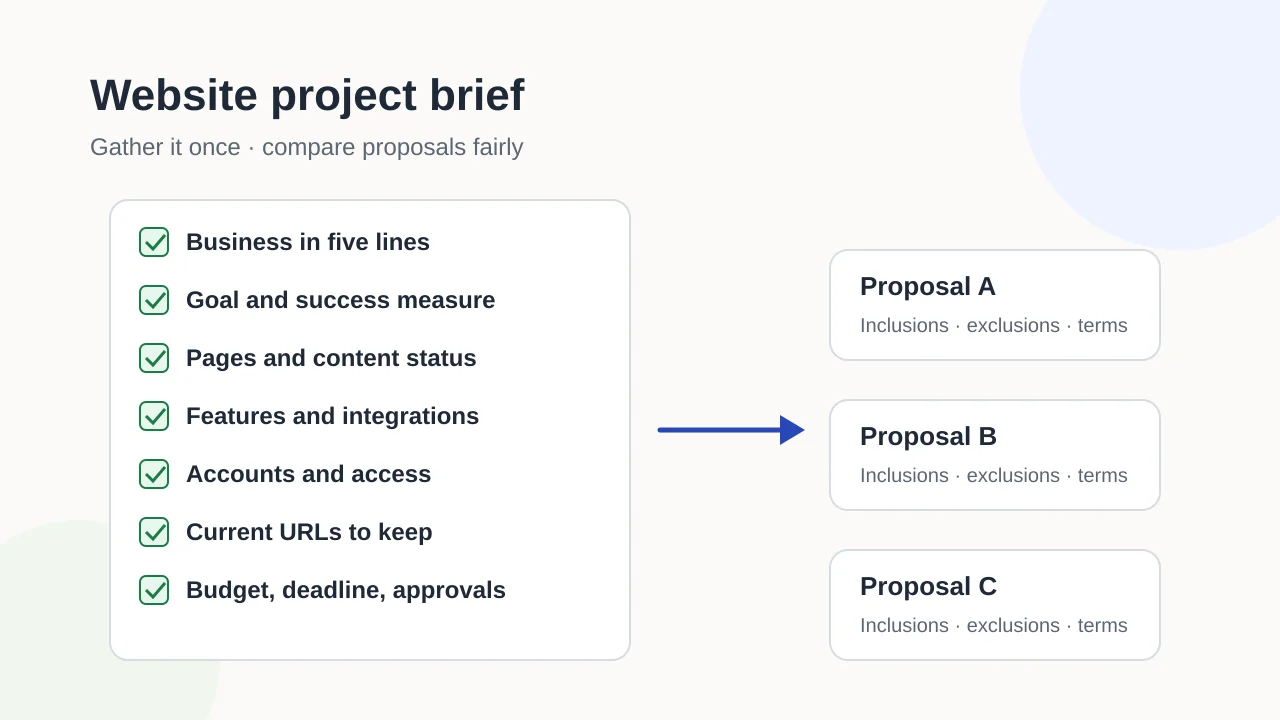
- Brief. Package the plan into a website project brief that builders can quote against. It adds accounts, existing URLs, brand inputs and the questions every proposal should answer.
- Build and launch. Before the new site goes live, the launch checklist covers redirects, metadata and the first checks after launch.
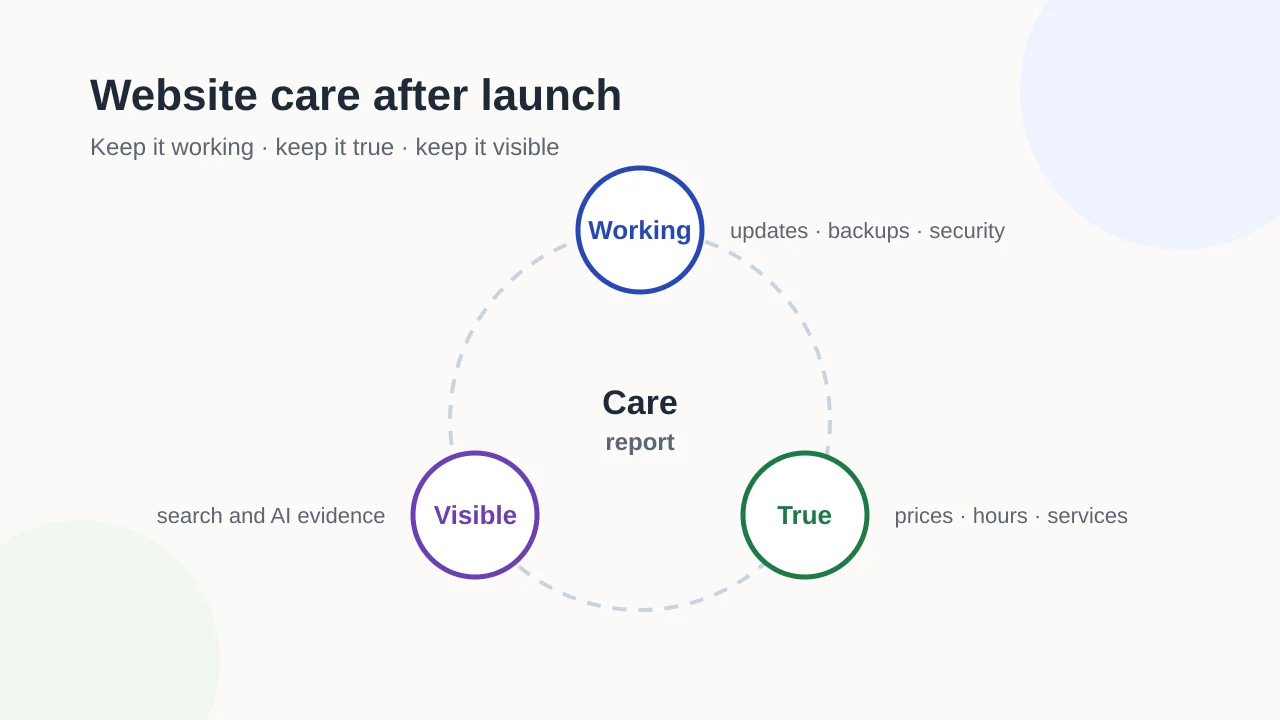
- Care. Once the site is live, website care after launch covers updates, backups, fact reviews and visibility monitoring.
What a plan cannot guarantee
A good plan reduces rework and makes proposals comparable. It does not guarantee rankings, traffic or inquiries. Those depend on demand, competition, the quality of the finished pages and how the site is maintained. Treat the plan as a working document: revisit it when your services, areas or customers change.
If you want a builder to work from your plan, Exendia’s website design and development page explains how to request a proposal. For an existing site that needs a clearer structure, the on-page SEO service and AI search visibility service are relevant starting points.
Evidence layer
References and further reading
Primary documentation used to review the technical concepts in this guide.- Google Search CentralSEO Starter Guide
- Google Search CentralCreating helpful, reliable, people-first content
- Google Search CentralAI features and your website
- Google Search CentralSpam policies for Google web search
- W3C Web Accessibility InitiativeEasy Checks: A first review of web accessibility