Read this first
Executive summary
3 operating principles- 01
Inventory current routes and important user journeys before changing URLs.
- 02
Test redirects, canonical destinations, robots rules, sitemap output and internal links on the reviewed build.
- 03
After launch, report dated observations and keep technical accessibility separate from indexing outcomes.
Article tools
Read, review or take this article into your preferred AI assistant.Summarize with AI
Copies a prompt with this article’s canonical URL. Review the result and verify its sources.Clipboard unavailable · copy prompt manually
A redesign can clarify a business offer and improve the experience for visitors, but route changes can also break existing links and user journeys. A launch checklist helps the team compare what is changing, test the new site locally and retain a record of owner-approved decisions.
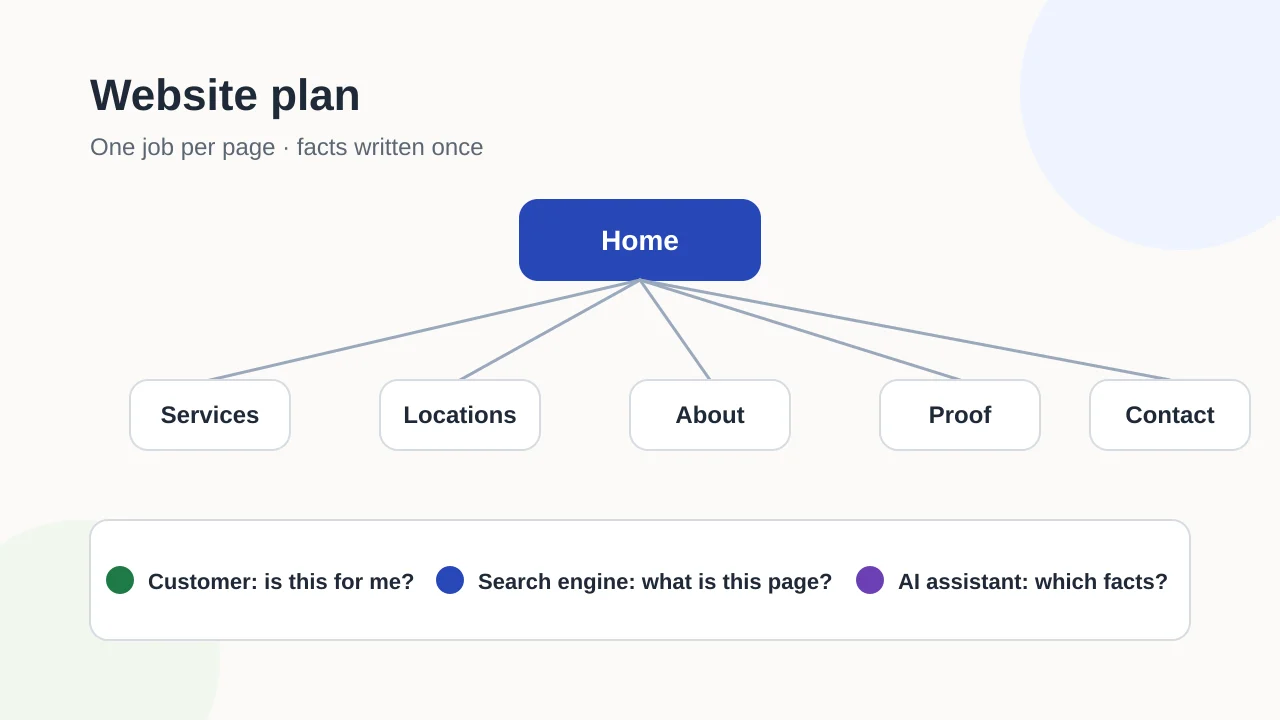
This checklist covers the launch window only. Decisions about what the site should contain belong earlier, when you plan the site first.
Start from the project brief
Two inputs make the launch much easier if they were collected at the start of the project: the list of important current URLs and the record of who holds each account, such as the domain, hosting and Search Console. Both belong in the website project brief. If they are missing, gather them now, before any route changes.
Inventory before changing routes
Compile the current URL list from source routes, the sitemap and authorized analytics evidence. Preserve the source and date for each list. These inventories will differ: a route in source does not prove it is public, and an old sitemap entry does not prove indexing. Identify URLs with meaningful customer journeys, links or search evidence before proposing a removal.
For each changed URL, choose a destination only when it serves a similar user need. Record redirects explicitly and test the final destination. Avoid sending every retired route to the homepage. Flag uncertain mappings for an owner or editor rather than guessing.
Use a mapping sheet so the decision can be reviewed before launch:
| Old URL | Approved destination | Expected result | Test result | Owner / status |
|---|---|---|---|---|
/services/old-name/ (example) | /services/current-name/ (example) | One redirect to the equivalent page | Record status and final URL from the reviewed build | Content owner / pending |
The paths above are illustrative, not Exendia routes. A real mapping should include every changed URL, the reason for its destination, the reviewer and the date tested. If there is no close replacement, record that decision instead of inventing a destination.
Test the reviewed build
Check that priority routes return the expected response and that titles, descriptions, canonical links and robots directives are deliberate. Validate sitemap output and confirm it contains intended public canonical pages rather than previews or internal tools. Review navigation and contextual links so important pages can be reached through useful paths.
For each critical route, compare the expected and rendered title, canonical URL and indexability directive. Check the redirect chain from the old URL, then open the destination directly. Review internal links that still point to the retired path; a redirect may keep a visitor moving, but updating a known internal link makes the intended route explicit. Google describes sitemaps as a way to provide URL information, not a guarantee that a URL will be indexed. Use Search Console evidence after launch for indexing questions; technical eligibility and indexing are different states.
Test forms, consent behavior, mobile layouts and accessibility separately. Search checks do not replace functional QA. Keep screenshots and test results tied to the exact reviewed build so later changes can be compared with it.
If this is a first website
A first website has no old URLs to redirect, so the work shifts to making sure the new site can be found. Make sure the live site does not keep the noindex rule or password protection used on the staging version; Google’s documentation explains that a page with a noindex rule is excluded from search results. Then verify a Search Console property for the live domain and submit the sitemap, remembering that a sitemap is a hint, not a guarantee of crawling or indexing.
After launch, observe before concluding
Monitor response errors, redirect destinations, sitemap access and Search Console evidence when authorized. Record dates and distinguish an observed issue from a proposed cause. A page that returns successfully is not automatically indexed; a sitemap is a discovery aid, not an indexing guarantee.
Use a short triage table: URL, previous state, new state, evidence source, impact, confidence and responsible reviewer. Prioritize broken journeys and incorrect destinations. Treat search performance changes cautiously when a redesign coincides with other changes.
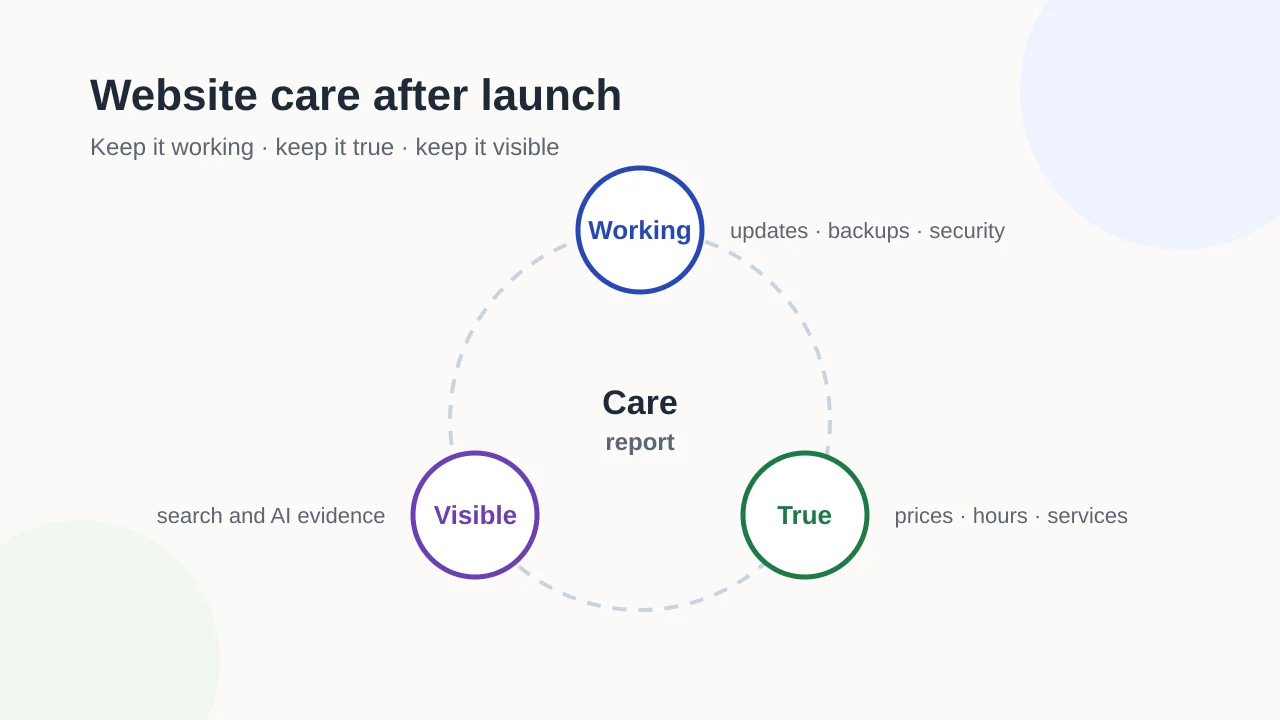
Once the triage table is cleared, the remaining work is routine rather than launch-specific: updates, backups, fact reviews and scheduled monitoring. That is covered in website care after launch.
For help with the search structure around a launch, Exendia’s on-page SEO service is a relevant place to start. If you are planning a new build or redesign, Exendia’s website design and development page explains how to request a proposal. The services hub lists the current service categories; confirm migration support and ongoing maintenance scope for each project.
Launch review checklist
- Confirm the existing-URL list from the project brief.
- Compare source routes, sitemap URLs and approved analytics evidence.
- Test redirects and canonical destinations.
- Check metadata, robots directives and sitemap output.
- Test mobile layout, accessibility, forms and consent behavior.
- Remove staging
noindexrules or password protection from the live site. - Verify the Search Console property for the live domain.
- Record post-launch findings with a date and source.
- Hand off to routine care once launch triage is closed.
For launch-related indexing checks, see how to read indexing evidence. Use the internal link architecture guide when reviewing how priority pages connect to relevant supporting content.
Evidence layer
References and further reading
Primary documentation used to review the technical concepts in this guide.- Google Search CentralGoogle Search technical requirements
- Google Search CentralBuild and submit a sitemap
- Google Search CentralHow Google Search works
- Google Search CentralSite moves and migrations
- Google Search CentralBlock search indexing with noindex
- Search Console HelpVerify your site ownership